Creating Installation Media
The easiest way to install Neko Void is by creating an installation medium with a USB flash drive.
In this case we can use Ventoy as the recommended option for installation.
On Windows, MacOS or Linux
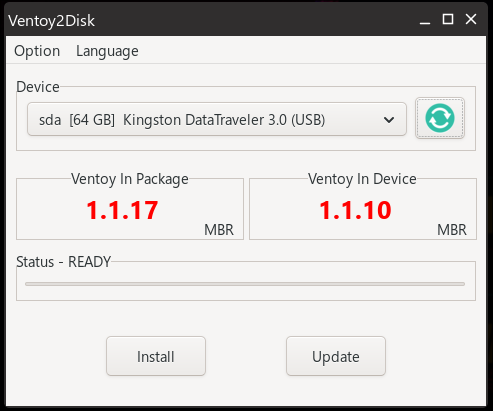
Download Ventoy, extract it and open it.
Select your USB drive and press the Install button. Once done, simply drag the Neko Void ISO image into your USB drive.